Crazy Guarantee – If you’re not thinking, “I wish I would have done this sooner” in 30 days, we’ll pay for you to sign up with one of our white label seo competitors.*
I don’t know how to understand a reseller’s pricing or services to even sell to my clients.
We get it. The world of SEO, PPC, and website development is large and often different depending on the agency you’re talking to. It can kill your chances of closing deals when everything is overcomplicated to pitch.
We simplify all of our sales material so you don’t have to think of all the line items. Packaged into clear scopes including timelines and expectations for clients, your only job is to use within your own sales process to provide the smoothest sale to close experience.
We’ll even throw in a free CRM for lead management & let you leverage our sales team to help close the deal at no extra cost.
Sales quotes for prospects
Package structures
Product development
Support closing deals
CRM software
Nurturing Funnel Setup (email/SMS)
Team email setup
Your Job
Close Deals
Wow Your Clients
Generate New Marketing Ideas
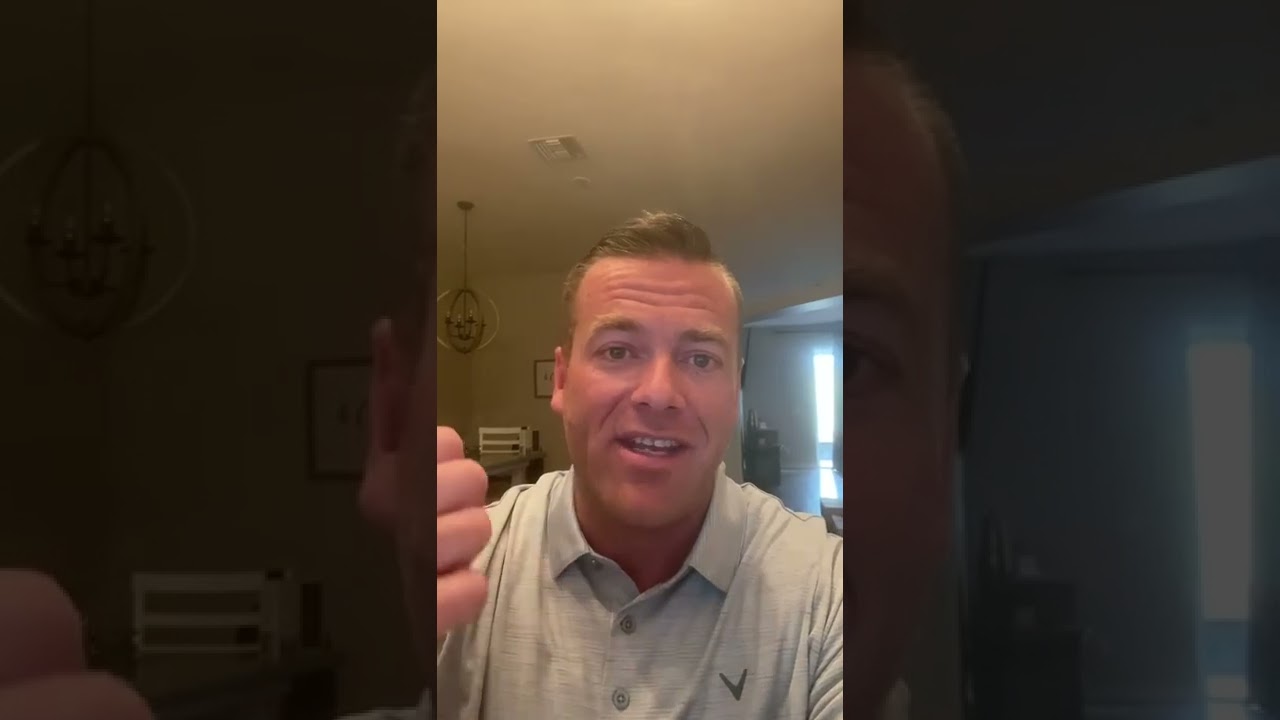
I’ve worked with a few white label agencies in the past and I’d have to say I am very happy with 51blocks. From onboarding to execution, it’s pretty seamless and organized. I always know what’s going on/being worked on and if have any questions, they respond quickly. If you are looking for a white label agency, check them out.
I’m afraid to onboard existing clients to a new agency. What would my clients think?
Switching agencies or outsourcing for the first time after keeping your clients close for so long is a tough decision. Over the years we’ve listened to our partner’s experiences with client transition and kickoff to create one of the most unique onboarding experiences possible by cutting down the kickoff time to onboard from days to minutes.
Whether you want to onboard for clients or let our team onboard new clients, we’ve put a flexible workflow in place for you with our virtual onboarding process. Our promise is to make the onboarding process as easy as possible for you and your clients.
Welcome & onboard clients
Follow up on access points
Assist with any requirements
Setup client campaign
Answer all questions
30 day multi-point touch experience
Your Job
… just sell.
“The transition has been seamless. The team has picked up some scattered pieces from the old white label company and has effectively delivered the deliverables for all of my clients.”
I’ve tried white label providers. Most of them don’t deliver what they say they will.
Doing the right thing isn’t just a core value around here. It’s the measurement we hold ourselves accountable to on every level of execution. We’ve build a 100% transparent project management and reporting system to show you and your clients everything we’re doing to uphold a level of honesty our parents would be proud of and an Operations team your competitors wish they had.
Workflow support
Operations & campaign planning
Billing questions
Issues or concerns
Strategic questions
Campaign strategy education
Team management
Client fire diffusing & reporting to you
Your Job
… just sell.
“Love that I don’t have to worry much about if my clients will get results.The whole support team is on top of everything. Makes me feel comfortable trying to scale knowing I’ve got a good team behind me to take care of the clients I close.”
I would rather manage my own clients because they know and trust me.
Death by fulfillment is real. Do you really want to answer all those questions and educate every client as your scale? It’s manageable at 10 clients, but how about 20, 30, or even 50? Our team is trained to deliver not only the best experience when it comes to customer service, but truly be the cheerleader for each client’s marketing efforts.
Client-facing communication
Day-to-day client management
Client fire resolution
Campaign strategy
Custom Campaign Fulfillment
Partnership check-ins
Reporting
Your Job
… just sell.
This is a great white label team. They have a personal touch that is unmatched by other white label providers that I love. I can rest knowing my clients are in good hands. I went out of town for a week and when I returned one of the client’s they serve was happy the follow up and attentiveness that took place while I was away. That peace of mind is valuable. I would recommend them to anyone looking for a good reliable white label partner.
You didn’t think we’d set you up with all these great outcomes without the ammo to go out there and find leads did you? We’ve developed an entire repository of case studies, lead magnets, Canva graphics, and more. If you can dream up your brand identity, we’ll support you with the social proof you’ll need to attract leads and get them into your funnel.
Built-in client case study development
Swipable Industry case studies
Swipable lead magnets
Swipable social proof
Swipable strategy graphics
Swipable team graphics
Product descriptions & timelines
Your Job
Brand identity & logo
Agency website
Marketing strategy
Marketing execution
… just sell.
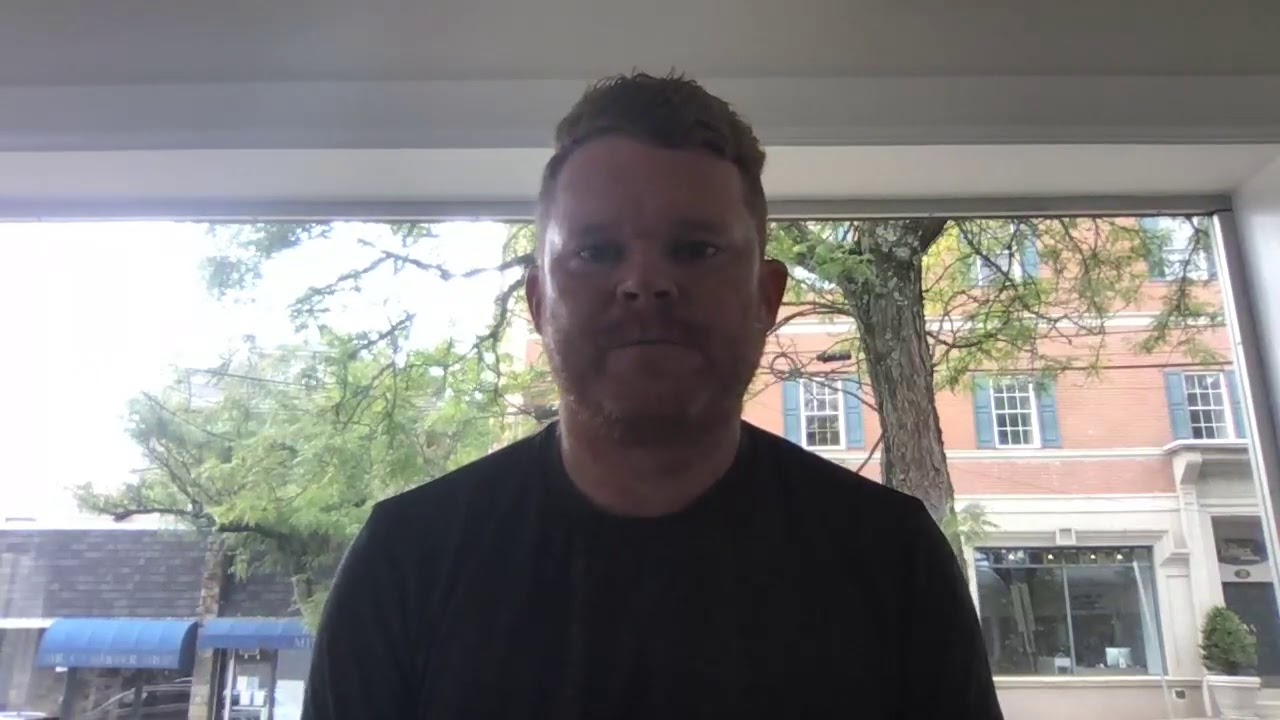
Meet Sean who runs a 7-figure agency and spends 90% of his time selling thanks to 51Blocks taking care of the rest!
Here’s how we make this a win-win so your clients love you & us.
We’re amazing at what we do, but it’s important to set the right expectations during the sales process. We’ll help you with the sales material, expectation language, timelines, and requirements so you can perfectly position your clients before campaigns get started so everyone stays happy throughout the fulfillment process.
We have made it easy enough so any entrepreneur can start an agency and just sell.
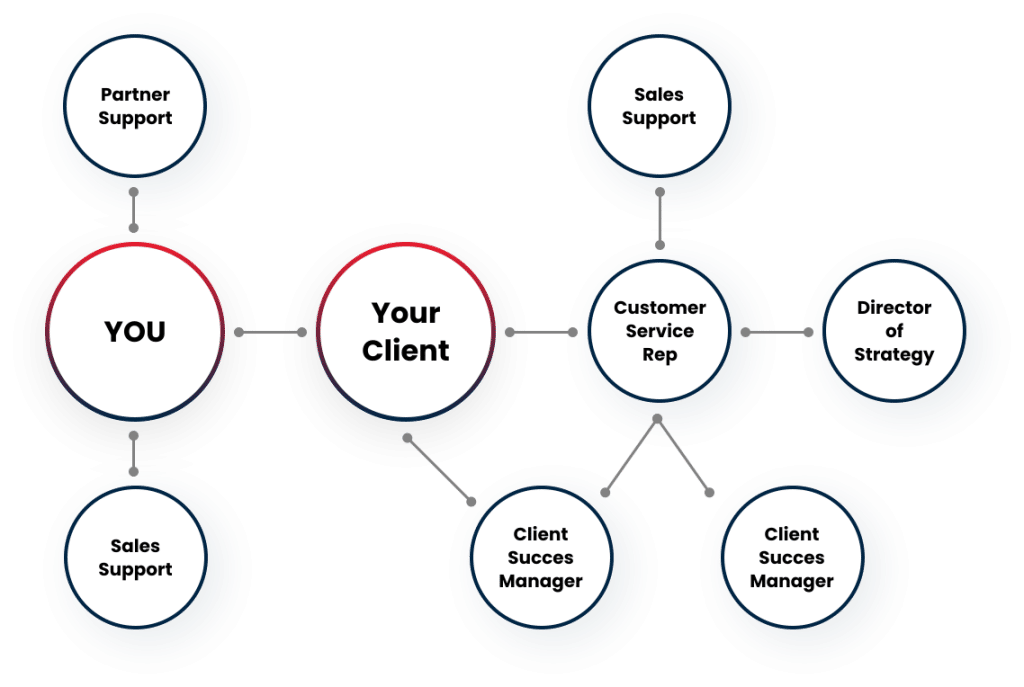
Complete Team
Sales Support
Operations Support
Client Success Managers
Customer Service Reps
Dept.Managers
Account Managers
Writers
Pricing that profits
No contracts
Ale carte or package campaign options
Bulk pricing
No partnership Fees
Branded Support
Custom Strategy
ROI focused compaigns
Custom Task & Audits
Expectations Provided based on Budget
Clients own all assets created and implemented
Goal Oriented Solutions
Branded Agency Reporting
Powered by aDash.io
Every client service in one unique link (no logins required)
Transparent Task Management
Conversion Tracking
Monthly Highlight Write-Up
Automated Checkout & Onboarding
Sign Up Anytime
Subscription Management Dashboard
Write Label Tool for Onboarding
Branded Onboarding Outreach
Here’s how you avoid death by fulfillment (aka Just Sell)
Support at 51Blocks is a core value of ours that has set us apart from other white label providers. While on the inside we may function like a well-oiled machine, it’s our boutique experience for clients and partners love as much as our results.
Each campaign is surrounded by several team members that provide client support to ensure the experience feels like a team you would hire yourself. Knowing how to have every question answered, every strategy explained, and having a team help set the proper expectations will help you under promise and over deliver every time.
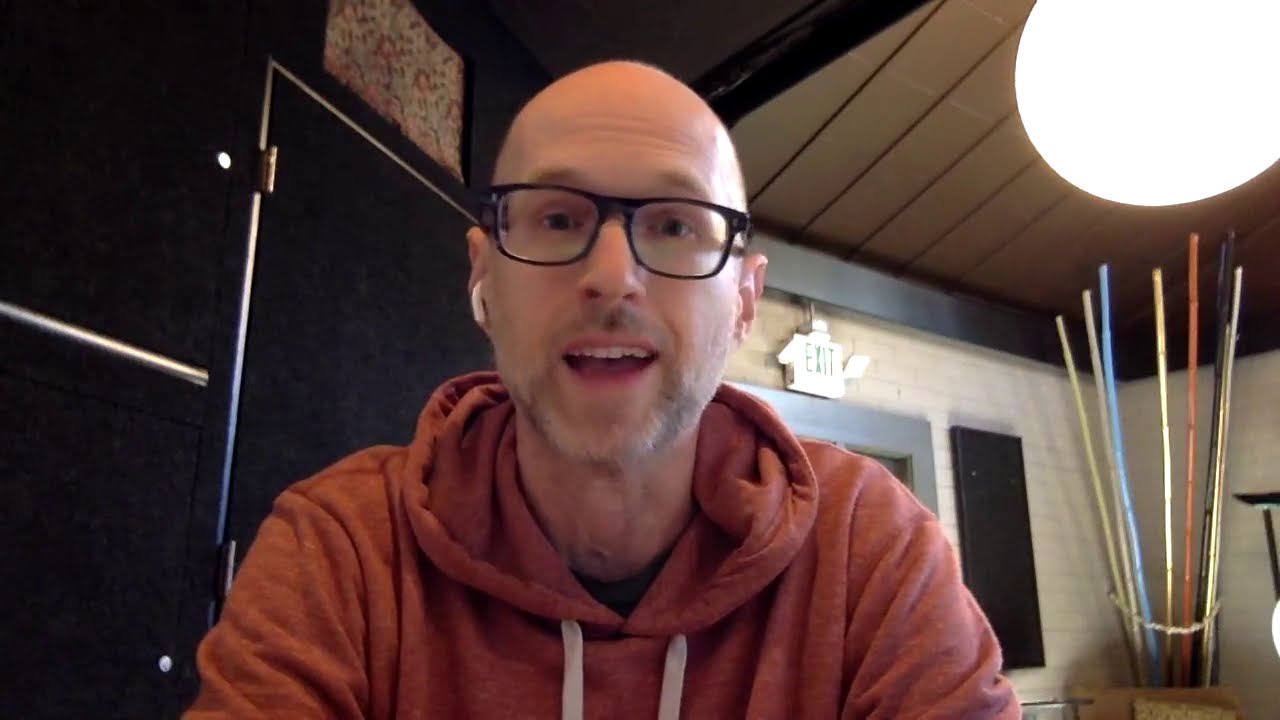
Meet Andrew who added an entire team to his family run business so he could have the bandwidth to start a second agency
We believe in standing by our word without locking you into any long-term contracts. We want you to enjoy working with us without obligation.
Transparency
Our mission is to show the good, the bad, and the solutions to educate clients. We want to overwhelm your clients with value by showing the volume of work done and educating on the campaign.
Reliability
We’re here when you need support the most (during those stressful client fires). If you don’t want to handle those, leave it to us! Our mission is to provide high-quality fulfillment that doesn’t require any heavy lifting from you.
Communication
A cornerstone of our agency is our level to proactively communicate our needs or any issues that may create a roadblock for performance. We value partners who also hold a high standard for healthy collaborative communication to create the strongest united front for clients.
About Us
51Blocks started in 2009 as an SEO company serving small businesses.
By 2015, 51Blocks had moved to a Denver-based office with a small team helping businesses all across the US and was moving more towards white label services.
Fast forward to 2022 and 51Blocks is now one of the nation’s premium full-stack white label companies with 90% of the business focused on fulfilling for agencies of all sizes.
Currently have a global team of 30 people, all in-house and full-time trained by Michael & Brittany